
6. MCP (Model Context Protocol)
An open protocol that standardizes how AI applications securely connect to external data sources, tools, and services — acting as a universal adapter between models and the real world.
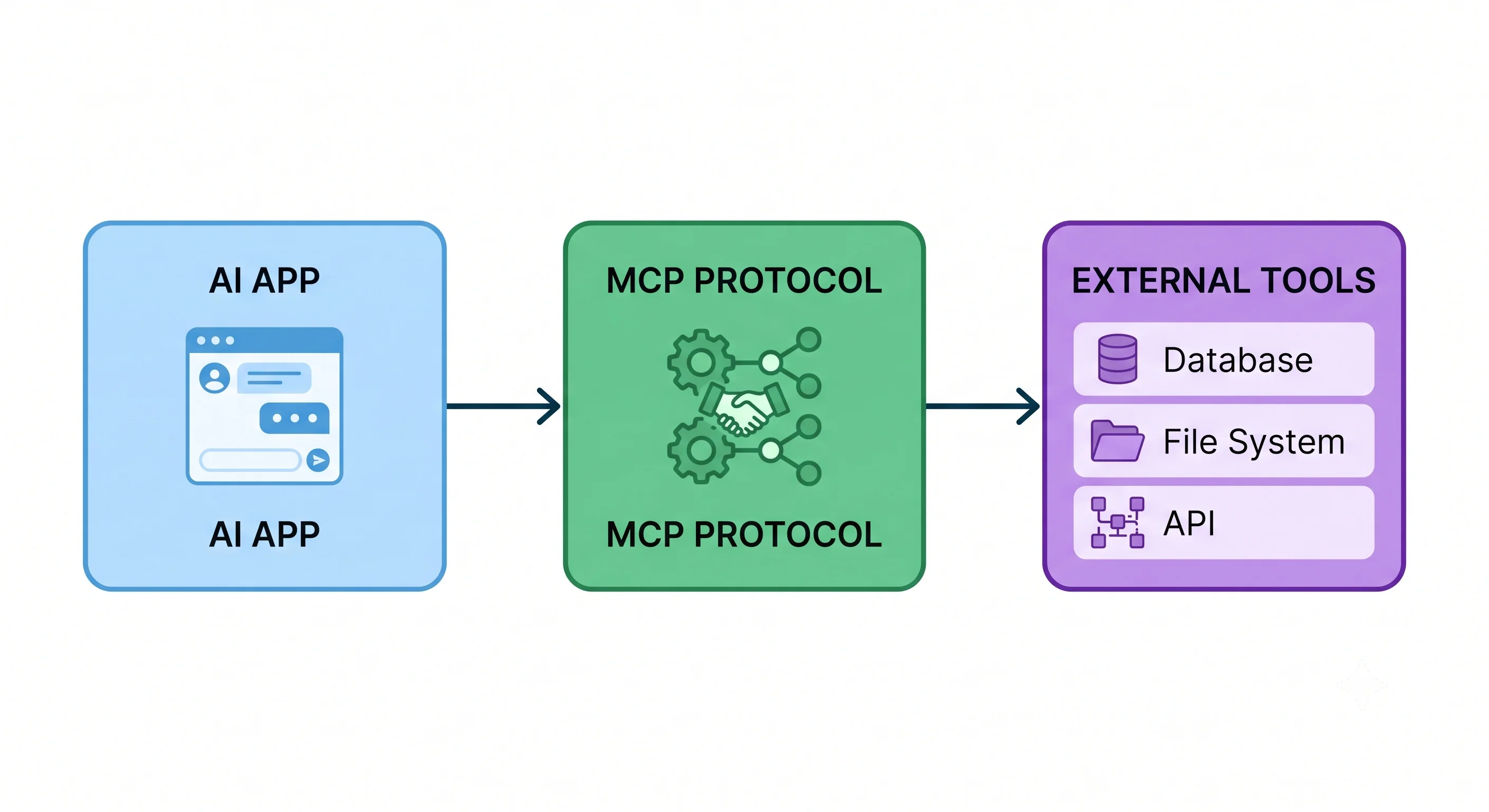
Table of Contents
- What is MCP?
- Why MCP?
- Core Architecture
- MCP Primitives
- Transport Mechanisms
- MCP vs. Custom Integrations vs. Function Calling
- Real-World Use Cases
- Building an MCP Server
- Key Takeaway
What is MCP?
Model Context Protocol (MCP) is an open standard (introduced by Anthropic, widely adopted) that defines how AI applications communicate with external systems. It is to AI what HTTP is to the web — a universal language for connecting diverse systems.
Before MCP, every integration was custom:
- Build OpenAI plugin? Custom code.
- Connect Claude to a database? Custom code.
- Give an agent access to your CRM? Custom code again.
MCP replaces all of these one-off integrations with a single, consistent protocol.
Why MCP?
| Problem Without MCP | Solution With MCP |
|---|---|
| Every tool needs a custom integration | One protocol, any tool |
| Integrations break when models update | Protocol is model-agnostic |
| Security inconsistency across integrations | Standardised permission model |
| Duplication across teams | Write once, reuse everywhere |
| Hard to discover available capabilities | Self-describing servers with manifest |
Core Architecture
┌────────────────────────────────────────────────────────────────┐
│                        AI Application                          │
│                                                                │
│   ┌──────────────┐         ┌──────────────┐                   │
│   │   LLM / Model │ ◄─────► │  MCP Client  │                  │
│   └──────────────┘         └──────────────┘                   │
│                                    │                           │
└────────────────────────────────────┼───────────────────────────┘
                                     │  MCP Protocol
                              ┌──────┴──────┐
                              │             │
                     ┌────────▼──┐   ┌──────▼────────┐
                     │ MCP Server│   │  MCP Server   │
                     │ (Files)   │   │  (Database)   │
                     └────────┬──┘   └──────┬────────┘
                              │             │
                     ┌────────▼──┐   ┌──────▼────────┐
                     │  Local    │   │  PostgreSQL   │
                     │  Files    │   │  Database     │
                     └───────────┘   └───────────────┘
Three core components:
- MCP Host / AI Application — The application (e.g., Claude Desktop, your custom agent) that the user interacts with. It contains the MCP Client.
- MCP Client — The component inside the host that speaks the MCP protocol. One client manages connections to multiple servers.
- MCP Server — A lightweight process that exposes capabilities (tools, resources, prompts) for a specific external system (filesystem, database, API, etc.).
MCP Primitives
MCP servers expose capabilities through three primitives:
🔧 Tools
Executable functions the LLM can call to perform actions.
{
  "name": "create_github_issue",
  "description": "Creates a new GitHub issue in the specified repository",
  "inputSchema": {
    "type": "object",
    "properties": {
      "repo": { "type": "string", "description": "owner/repo" },
      "title": { "type": "string" },
      "body": { "type": "string" }
    },
    "required": ["repo", "title"]
  }
}
📄 Resources
Read-only data the LLM can access as context (files, database records, API responses).
{
  "uri": "file:///project/README.md",
  "name": "Project README",
  "description": "The main project documentation",
  "mimeType": "text/markdown"
}
💬 Prompts
Pre-built prompt templates that the host can offer to users, parameterised and reusable.
{
  "name": "code_review",
  "description": "Review code for bugs and improvements",
  "arguments": [
    { "name": "language", "required": true },
    { "name": "code", "required": true }
  ]
}
Transport Mechanisms
MCP supports two transport types:
stdio (Standard I/O)
- Used for local MCP servers (running on the same machine)
- Client spawns the server as a subprocess and communicates via stdin/stdout
- Simple, no networking overhead
AI App ──[stdin/stdout]──► Local MCP Server ──► Local ResourcesHTTP + Server-Sent Events (SSE)
- Used for remote MCP servers (cloud-hosted, shared)
- Client connects over HTTP; server streams events back via SSE
- Enables multi-user, cloud-deployed tool servers
AI App ──[HTTP/SSE]──► Remote MCP Server ──► Cloud APIs / DatabasesMCP vs. Custom Integrations vs. Function Calling
| MCP | Custom Integration | Function Calling | |
|---|---|---|---|
| Standardisation | ✅ Protocol-defined | ❌ Ad hoc | ⚠️ Provider-specific |
| Reusability | ✅ Write once, use everywhere | ❌ Per-model | ⚠️ Per-provider |
| Model agnostic | ✅ Yes | ✅ Yes | ❌ No (tied to model) |
| Discovery | ✅ Self-describing servers | ❌ Manual | ⚠️ Schema per call |
| Security | ✅ Standardised | ❌ Varies | ⚠️ Model-dependent |
| Complexity | ⚠️ Protocol overhead | ✅ Simple for 1-off | ✅ Simple |
Use MCP when building reusable, multi-model integrations.
Use Function Calling for quick, model-specific tool use.
Real-World Use Cases
| MCP Server | What It Enables |
|---|---|
filesystem |
LLM reads/writes local files and directories |
github |
LLM creates issues, PRs, searches repos |
postgres |
LLM queries your database in natural language |
slack |
LLM reads channels, sends messages |
google-drive |
LLM accesses and searches your Drive files |
web-search |
LLM performs live web searches |
browser |
LLM controls a headless browser |
docker |
LLM manages containers |
Community MCP servers: github.com/modelcontextprotocol/servers
Building an MCP Server
A minimal MCP server in Python using the official SDK:
from mcp.server import Server
from mcp.server.stdio import stdio_server
from mcp import types
import httpx

# Initialise server
server = Server("weather-server")

@server.list_tools()
async def list_tools() -> list[types.Tool]:
    return [
        types.Tool(
            name="get_weather",
            description="Get current weather for a city",
            inputSchema={
                "type": "object",
                "properties": {
                    "city": {
                        "type": "string",
                        "description": "City name (e.g., 'London')"
                    }
                },
                "required": ["city"]
            }
        )
    ]

@server.call_tool()
async def call_tool(name: str, arguments: dict) -> list[types.TextContent]:
    if name == "get_weather":
        city = arguments["city"]

        # Call a real weather API
        async with httpx.AsyncClient() as client:
            response = await client.get(
                f"https://wttr.in/{city}?format=3"
            )
            weather_info = response.text

        return [types.TextContent(type="text", text=weather_info)]

    raise ValueError(f"Unknown tool: {name}")

# Run server via stdio
async def main():
    async with stdio_server() as streams:
        await server.run(*streams, server.create_initialization_options())

if __name__ == "__main__":
    import asyncio
    asyncio.run(main())
Register in Claude Desktop config.json:
{
  "mcpServers": {
    "weather": {
      "command": "python",
      "args": ["/path/to/weather_server.py"]
    }
  }
}
Key Takeaway
MCP simplifies and secures the way AI models connect with the outside world. It brings standardisation, reusability, and control to model integrations — making it the emerging standard for the AI tool ecosystem.